AI Crying Video Generator Cry like the movies.
One selfie in. A ten-second sad movie out — the smile, the tears, the walk away. Upload a photo, pick a scene — get the AI crying trend video, ready for TikTok.
Best results: one clear, front-facing selfie in good light — both eyes visible, no sunglasses, no group shots. A soft smile is perfect.
How hard do you cry?
10s · 9:16 · from $5.99 · no subscription
- One-time payment
- No account or subscription
- Failed videos refund the credit
- Photos deleted after 30 days
Step 1
Upload one selfie
A clear, front-facing photo in good light — both eyes visible, no sunglasses. A soft smile works best: that's the smile the tears break.
Step 2
Pick the scene & the tears
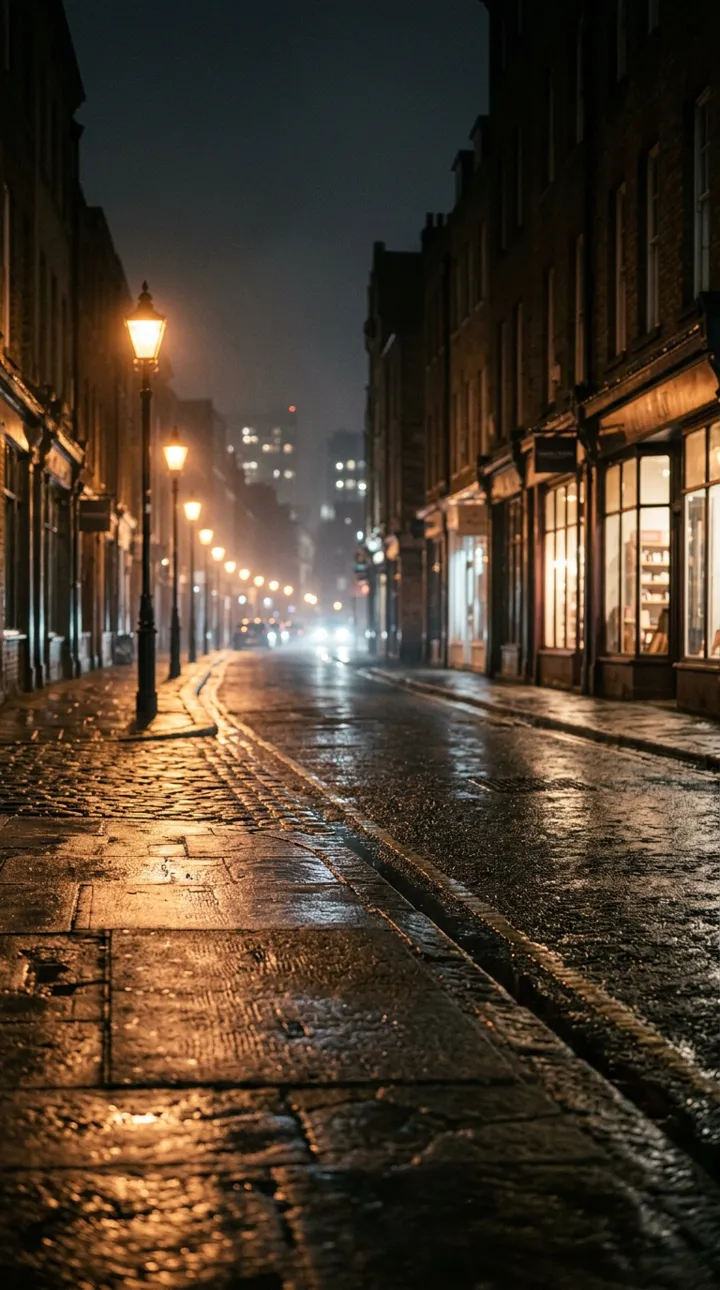
Night Street (the viral walk-away), Window Tears (the close-up) or Neon Rain — then full tears or holding it in.
Step 3
Post your sad movie
A 10-second 9:16 MP4 in about 4–8 minutes. Add a sad piano sound in TikTok or CapCut and post.
AI Crying (aicrying.org) is an AI crying video generator: upload one clear selfie, pick a scene — Night Street, Window Tears or Neon Rain — and how hard you cry, and get a 10-second vertical 9:16 MP4 of the AI crying trend: the smile, the real tears, the walk away. From $5.99 per video, one-time payment, no app, no subscription, no watermark.
Real output · unedited
Straight out of the generator
One selfie each, no editing, no retakes. Silent, so you add the sad song yourself. (The sample people are AI-generated.)
Night Street · Full tears
Window Tears · Full tears
Neon Rain · Full tears
Window Tears · Holding it in
What your video looks like
Smile. Break. Walk away.
Every viral AI crying video hits the same three beats in about ten seconds. Your video is written to hit all three — with tears you can actually see.
 00:00
00:00I thought you'd stay.
 00:03
00:03I really thought you'd stay.
 00:07
00:07…
Beat 1 · 00:00
The smile
You look just past the camera with a soft, hopeful smile — as if at someone you love. Warm light, a quiet street, nothing wrong yet.
Beat 2 · 00:03
The break
The smile wavers. Your chin trembles, your eyes go red and glassy, fill with water — and real tears spill over and run down both cheeks.
Beat 3 · 00:07
The walk away
You press your lips together, turn your back to the camera and walk slowly down the street under the lamps. Cut to black.
AI crying templates
Pick your heartbreak

01 · The viral original
Night Street Walk-Away
Smile → tears → you turn and walk away under warm street lamps. The version that made the trend.
In the generator · free prompt →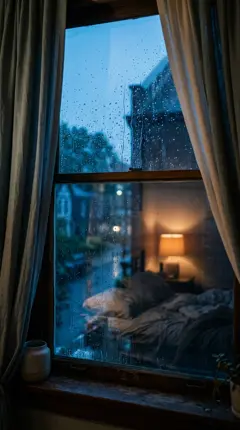
02 · CapCut-style
Close-Up Tears Effect
A tight close-up: the smile fades, eyes redden and glisten, tears roll down. Keeps the focus on your face.
In the generator · free prompt →03 · Subtle
Holding Back Tears
Glassy eyes, a brave smile, one tear escapes. Popular for the “when you see your crush with someone else” captions.
In the generator · free prompt →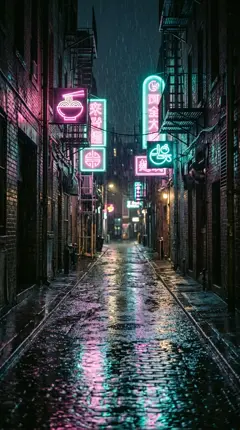
04 · Moody
Crying in the Rain
Neon signs, steady rain — tears and raindrops running together as you look up into the sky.
In the generator · free prompt →05 · DIY prompt
Car Window at Night
Sitting in a parked car, city lights sliding across your face, tears you didn't want anyone to see.
Free prompt →06 · DIY prompt
Train Station Goodbye
A platform, a departing train, a wave that turns into tears. The long-distance heartbreak version.
Free prompt →
Pricing
Pay per video. No subscription to cry over.
- Doesn't look like you? Free remake or refund
- One-time payment · No subscription
- Video credits never expire
- Failed generations automatically return your credit
- No watermark
The trend
What is the AI Crying Trend?
The AI Crying Trend is a short-video format from late September 2026 where one ordinary selfie becomes an 8–12 second cinematic clip of you crying: a soft, hopeful smile slowly breaks, your eyes turn red and fill with water, real tears run down your cheeks, and you turn and walk away down a lamp-lit street at night — usually over sad piano. Most versions are made with CapCut's AI crying template or Dreamina (ByteDance's Seedance model); the clips spread on TikTok and Instagram Reels from Turkish, Arabic, Indonesian, Filipino and German creators before going global.
- Also called
- AI crying effect · AI crying filter · AI tears trend · sad AI video
- Where
- TikTok, Instagram Reels, YouTube Shorts
- Took off
- Late September 2026
- Made with
- CapCut AI crying template, Dreamina (Seedance), Kling — or aicrying.org
Options
Generator vs. CapCut vs. a crying filter
| aicrying.org | CapCut template | Photo crying filter | |
|---|---|---|---|
| What you get | A 10s cinematic video: new scene, real tears, a walk away | A crying video, if the template is live in your country | A crying face pasted on your still photo |
| What you do | Upload a selfie, pick a scene | Find the template, upload, export, remove the watermark | Upload a photo |
| Scenes | Night Street, Window Tears, Neon Rain | Whatever the template gives you | None — your own background |
| Cost | From $5.99 per video, no subscription | Free with limits, some effects need Pro | Free, with watermark or credits |
| App needed | No — works in any phone browser | Yes | No |
Prefer DIY? Copy our free AI crying prompts, or follow the step-by-step guide for CapCut and Dreamina.
FAQ
Questions, answered
What is the AI crying trend?
+
A viral short-video format from late September 2026: one selfie becomes an 8–12 second clip where your smile breaks, real tears run down your cheeks and you walk away down a lamp-lit street at night, usually over sad piano. It's made with AI image-to-video tools like CapCut's AI crying template, Dreamina or aicrying.org.
What app is used for the AI crying trend?
+
Most clips come from CapCut's AI crying template or effect (powered by ByteDance's Seedance model); Dreamina, Kling and other image-to-video apps are also used. aicrying.org runs the same kind of model in the browser with the trend's beats already written, so there's nothing to install or prompt.
How do I make an AI crying video from a photo?
+
Upload one clear, front-facing selfie to an AI crying video generator, choose a scene, and generate. To do it yourself, use image-to-video in CapCut or Dreamina with a prompt that names the tears in order: smile fades, eyes turn red and glassy, tears run down both cheeks, then turn and walk away.
Is there a free AI crying filter?
+
CapCut, Dreamina and Kling give free credits that can cover a crying video, and our free prompt templates work in all of them. Static “crying filters” (insMind, media.io) are free but only edit a photo — they don't make the video. The aicrying.org generator is paid once per video, with no subscription.
How much does aicrying.org cost?
+
1 Video: $5.99 · 3 Videos: $13.99 · 10 Videos: $34.99. One-time payment, no subscription, no watermark. Unused videos never expire, and a failed video returns its credit automatically.
Is this the old Snapchat crying filter?
+
No. The 2022 Snapchat crying lens drew a sad face over your live camera in real time. The 2026 AI crying trend generates a whole new cinematic scene from one photo — new location, real-looking tears, camera movement and an exit.
How long does it take?
+
Usually 4–8 minutes for a 10-second 9:16 video. You can close the page — we email you the link when it's ready.
Why does my AI crying video not look like me?
+
The face drifts when the photo is small, dark, side-on or heavily filtered. Use a sharp, front-facing selfie with both eyes visible. If ours still doesn't look like you, tap “Needs work” and we remake it free or refund you.
What song is used in the AI crying trend?
+
There isn't one official song — creators pick slow sad piano covers and trending heartbreak sounds. Add the sound inside TikTok, Instagram or CapCut so it's licensed for the platform; our videos are silent for exactly that reason.
Can I make an AI crying video of someone else?
+
Only with their permission. Don't use photos of strangers, celebrities or minors who aren't your own family, never use it to fake real distress or deceive someone, and label the video as AI-generated where the platform asks.
[ the piano gets louder ]